
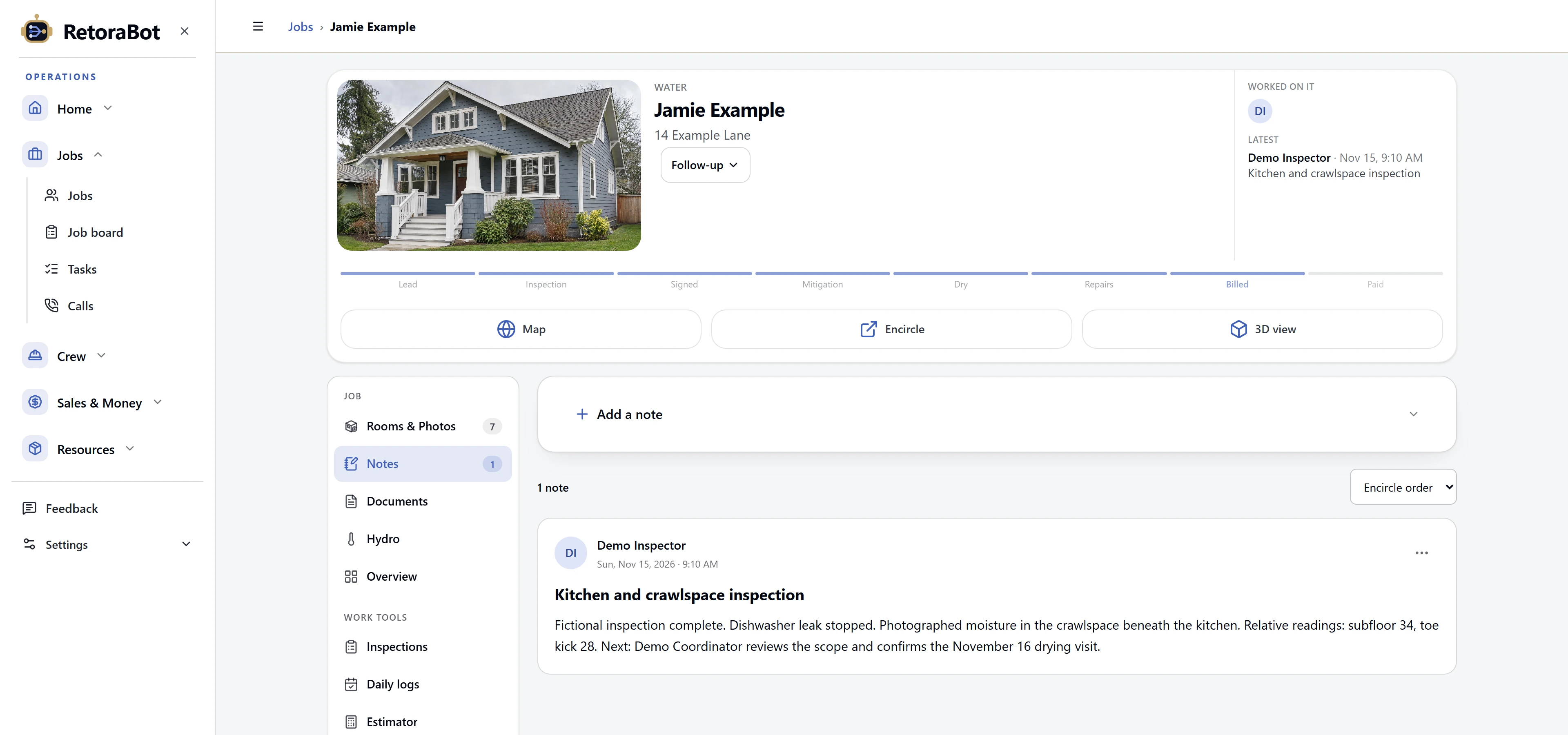
 01
The field documents it.
Room photos, marked details and scope stay with the job, so the next person has the context.
Built for restoration operations
Bring field updates, schedules and job information together—with the tools your team already uses.
A walkthrough for your workflow. A written quote for your scope.
The job is messy. The handoff shouldn’t be.
From a muddy crawl space to the office. See the handoff in action.
Meet Aurora · 1:12Open the 4K commercial (HD source)See this with your workflowFrom field to office
Follow the handoff through real Operations pages. These examples use fictional records.
01Room photos, marked details and scope stay with the job, so the next person has the context.
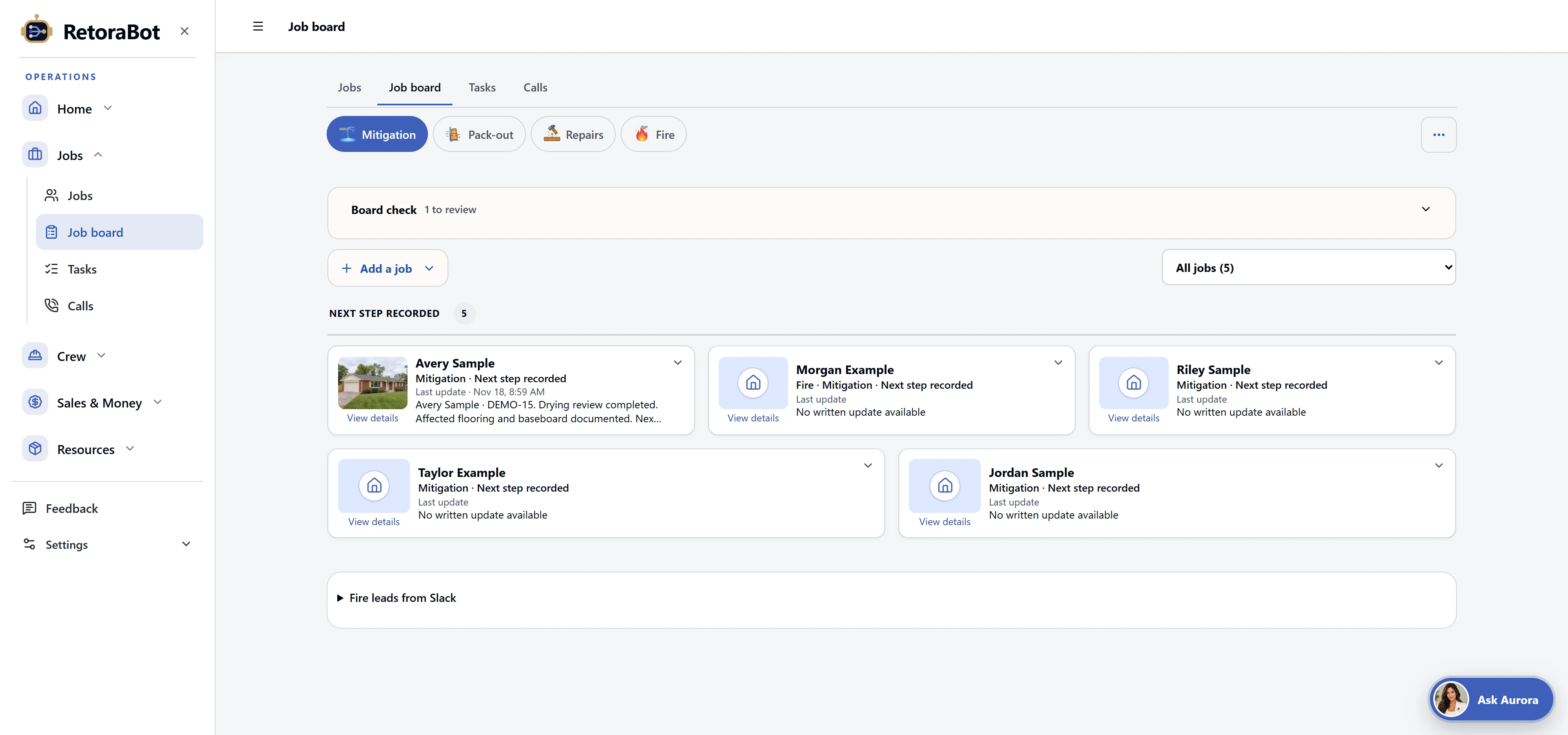 02
Review progress and recorded updates in the Job board: Mitigation · Pack-out · Repairs.
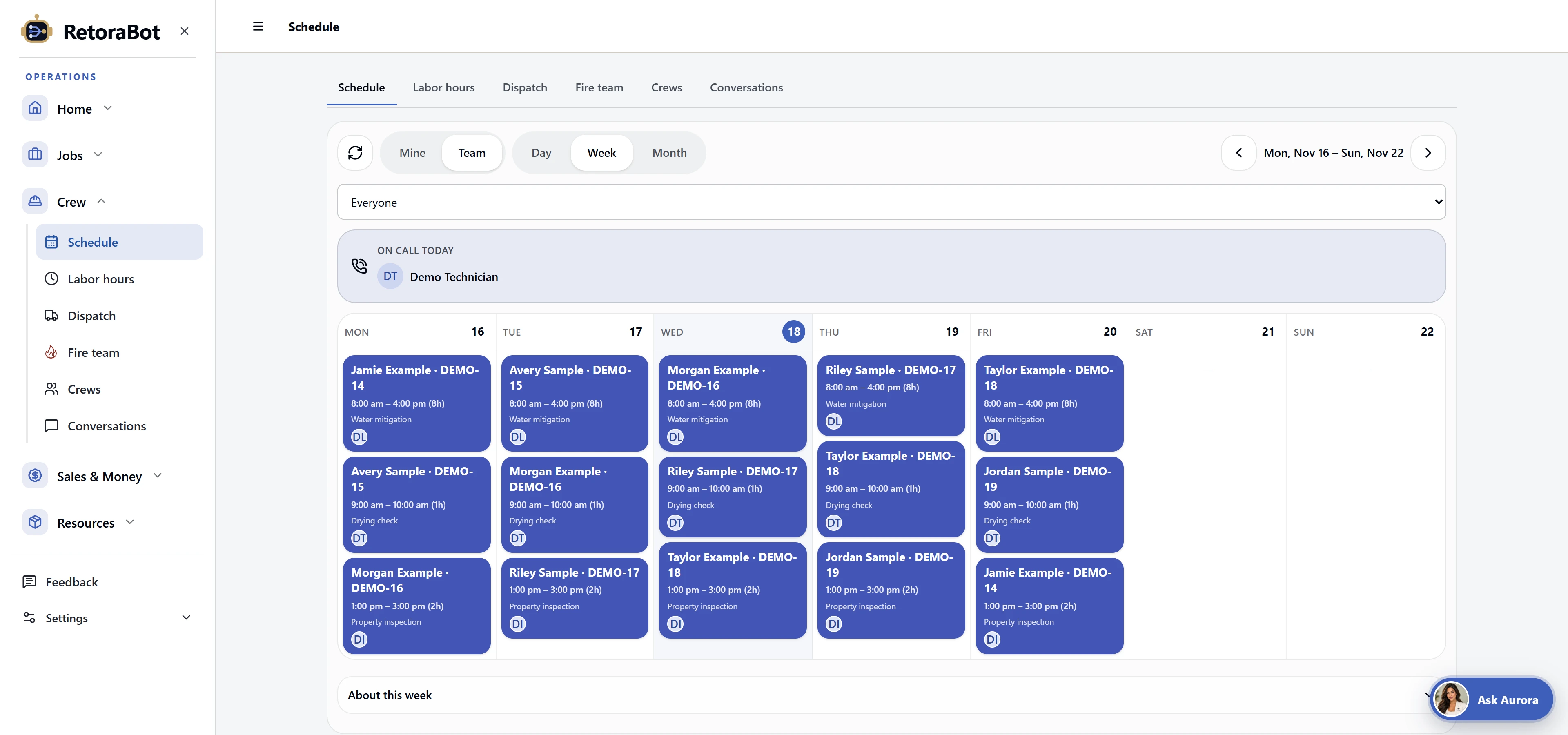 03
See the schedule alongside the work your crew needs to do.
Show us which tools you use. We’ll arrange a walkthrough of your workflow by email.
From the room to the estimate
Open a room, take photos, mark what matters and write or dictate the scope. Start from the room; an inspection form is optional.
Missing measurements and unread prices stay visible for review.
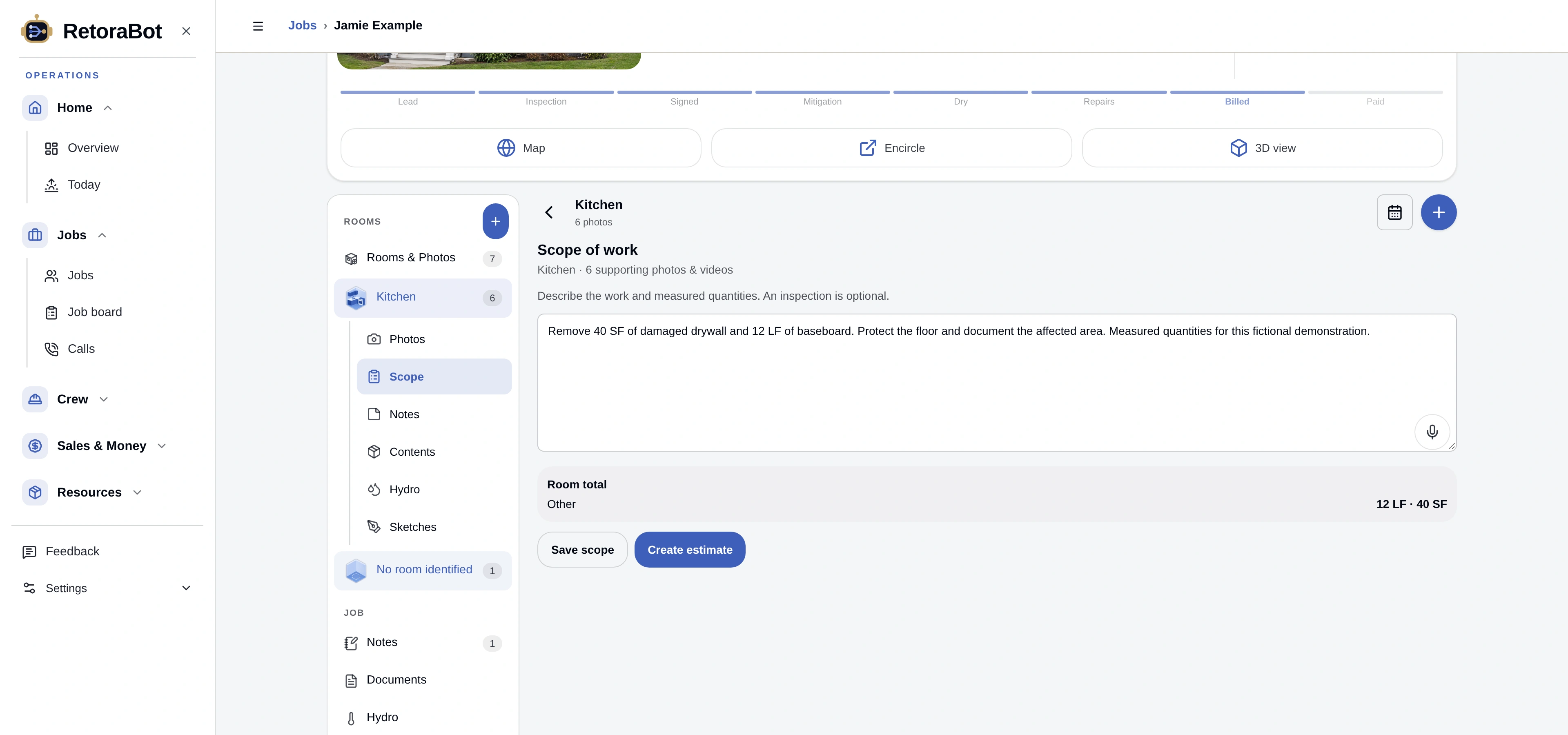
Made for the way you work
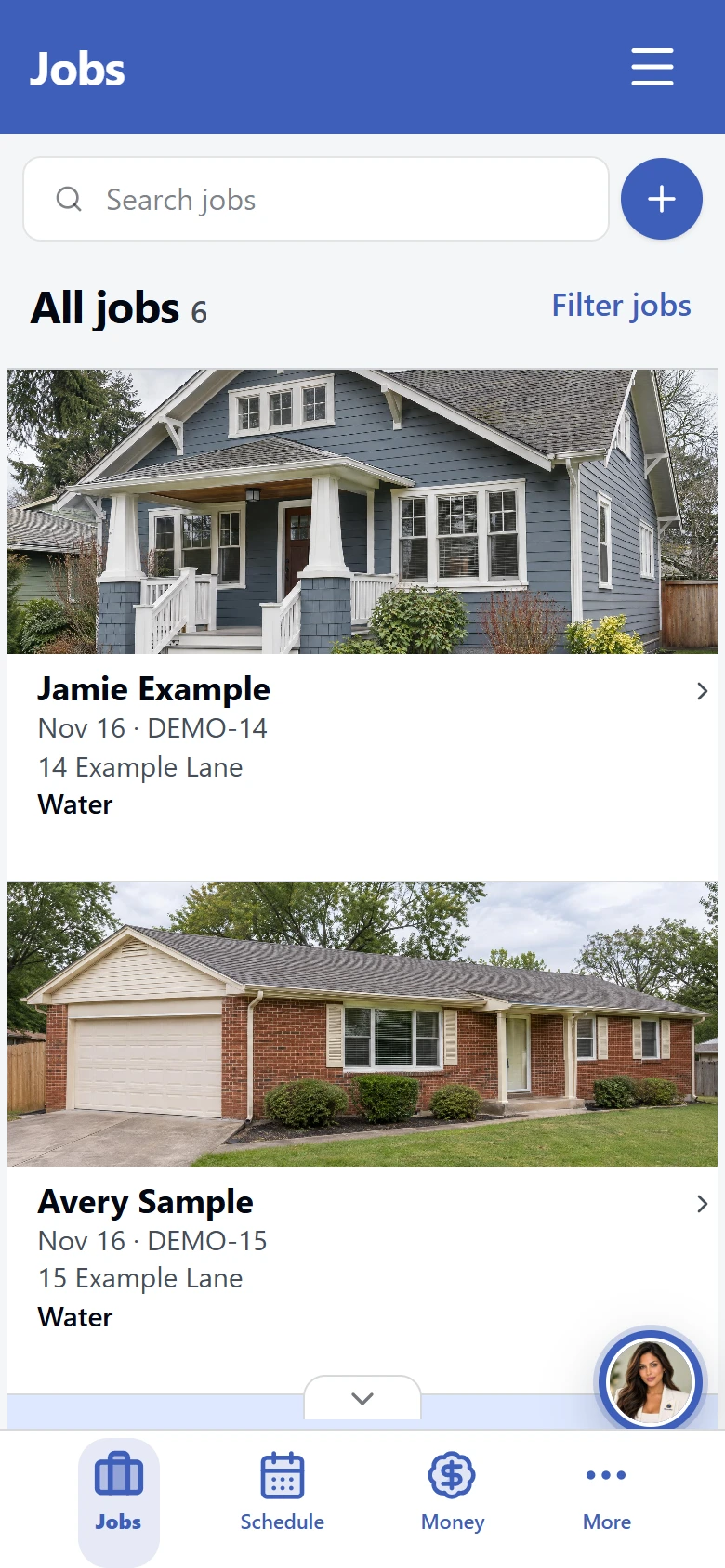
The same workspace, with layouts made for your phone and desktop. Real app screens with fictional records.
Jobs on your phone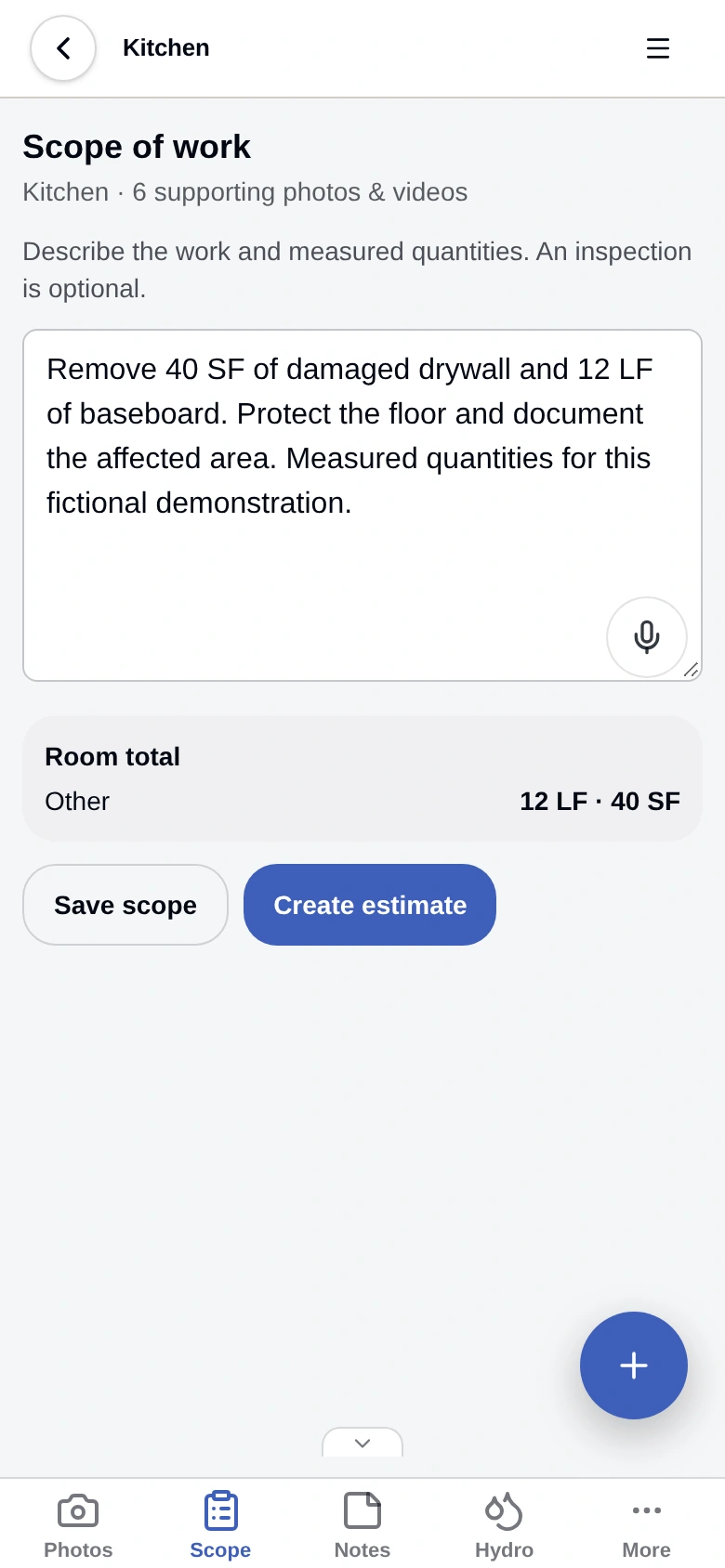 Photos and scope on your phone
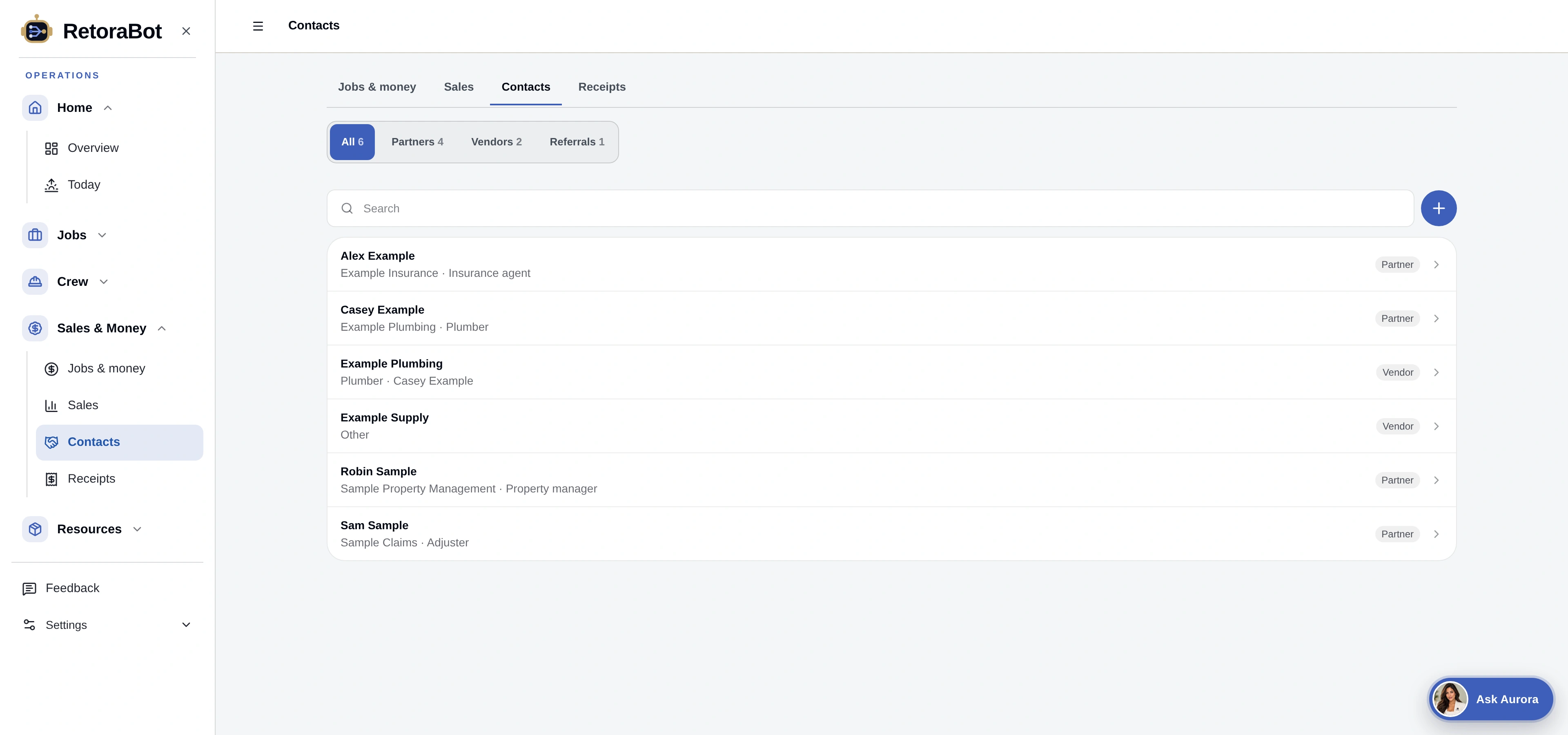 ContactsJob board on desktop
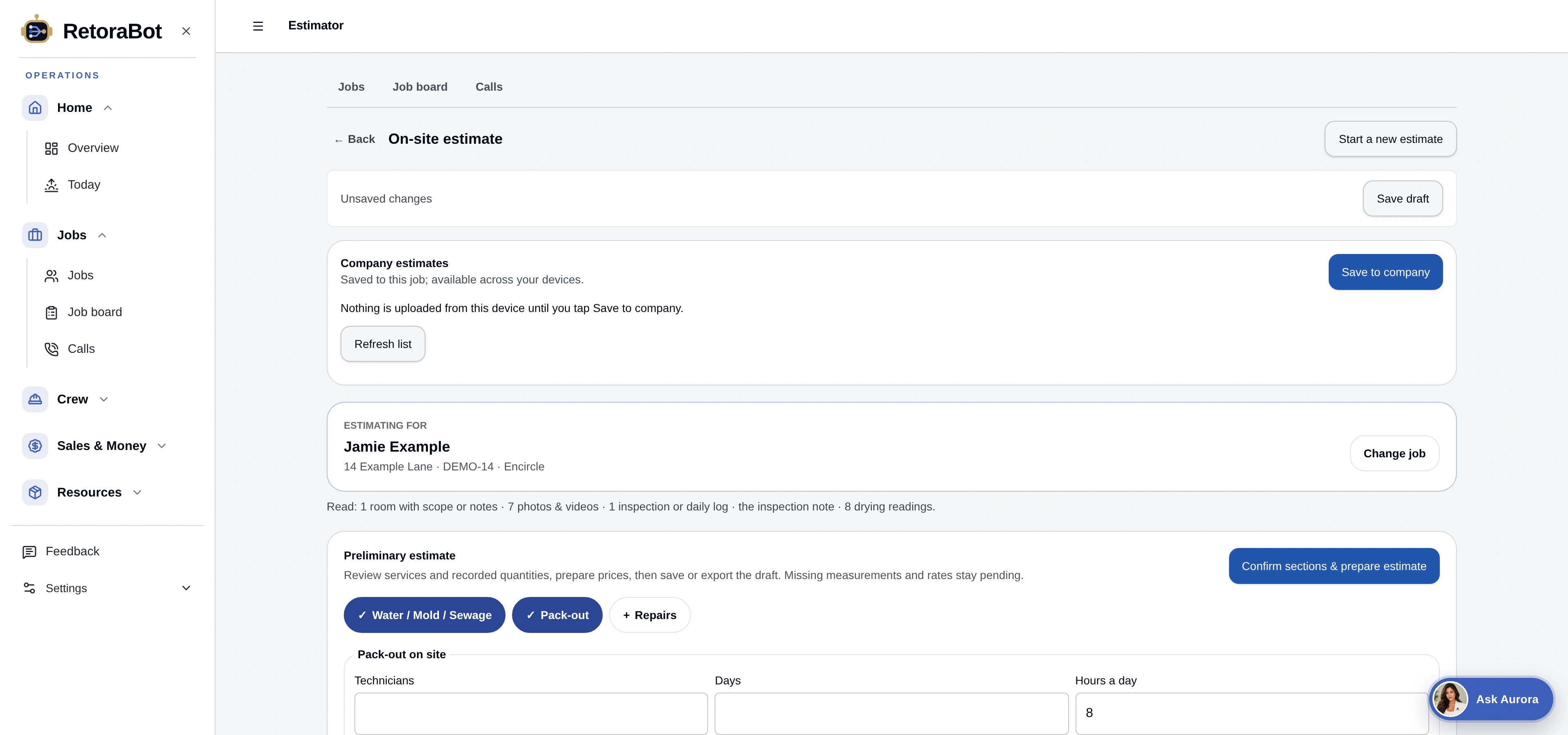 Review an estimate draft
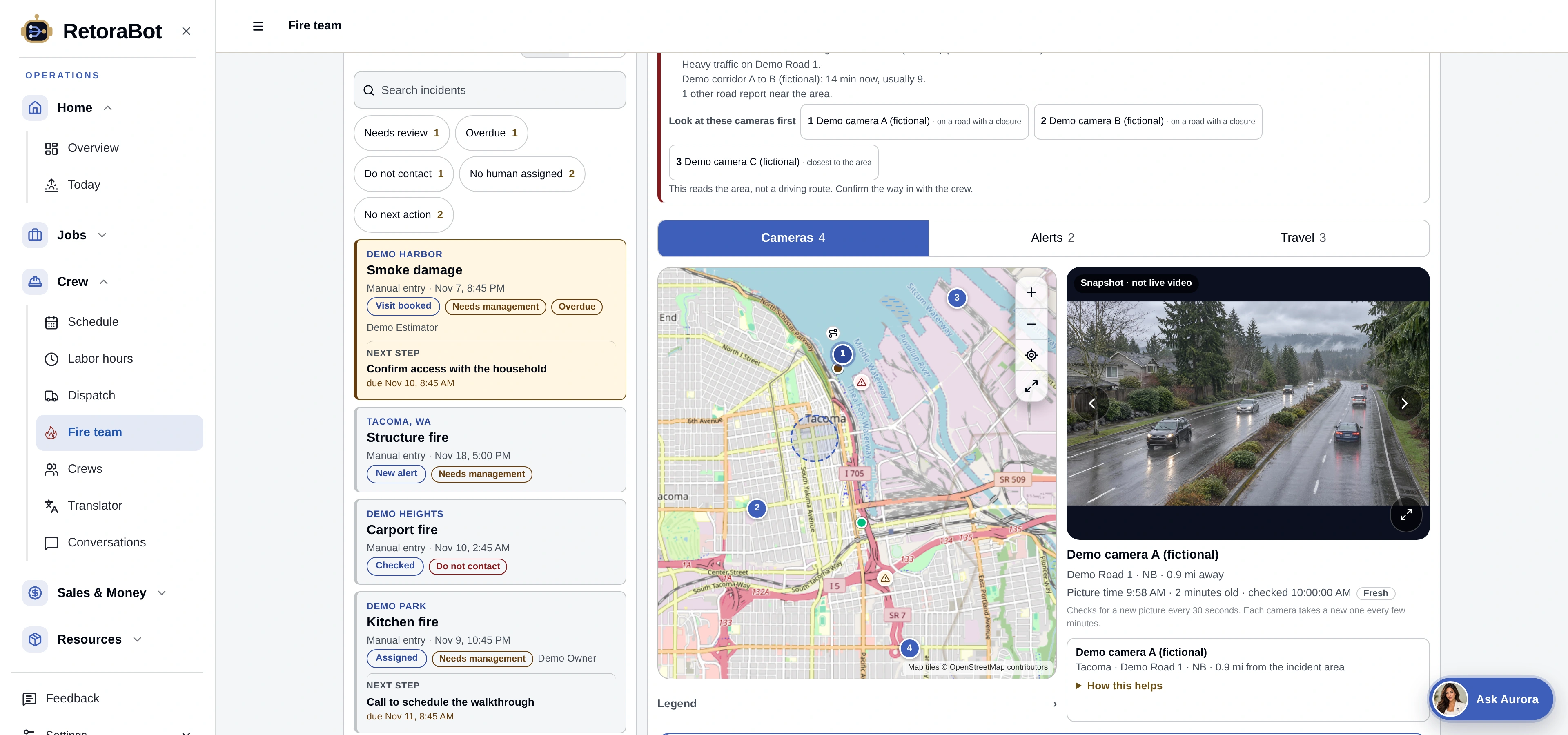 Fire Team map & camera example
Fictional records and an illustrative camera still. Camera availability depends on your account setup.
Build on what your team knows
Keep the tools your team knows. See how their updates and records fit into your Operations workflow.
Team messages and job context
Field documentation and job records
Job and money records
Scheduling and hours
Accounting information through Xcelerate
We review your workflow first. If a tool offers a documented API, we can look at connecting it.
Ask about your tools →Connections have specific scopes; availability does not imply every feature or automatic two-way sync.
Product names are trademarks of their owners. RetoraBot is not affiliated with or endorsed by them.
More of your operation, together
Room photos, markup, scope, notes, Inspections and Daily logs.
Job board, schedule, crews and dispatch views.
Map, public street-camera views and incident context.
Pack-out, warehouse, inventory and equipment views.
Sales activity, referrals, receipts and available job money records.
Your jobs, your team and your current tools. Review what fits before agreeing to a scope or price.
See what fits your business
Tell us who you are and what your team uses. We’ll contact you by email to arrange a walkthrough focused on your workflow.
Pricing is quoted after we understand your requirements. You review the scope and price before committing.
RetoraBot works with supported existing tools. We’ll confirm which connections and workflows fit your setup during your demo.
It starts a conversation by email. The demo uses fictional records. Account access and setup are arranged separately after scope and pricing are agreed.
We quote your scope after reviewing your team, tools and setup needs. There is no automatic subscription or charge when you submit this form.
Also from RetoraBot
Professional websites for service businesses, with a written scope and quote.